A compact and simple registry cleaner
If Windows seems to be running a little slow, cleaning the registry is one thing that might help. There is some controversy about whether it improves performance or not, but with Little Registry Cleaner you can at least find out for free.
Top Recommended Alternative

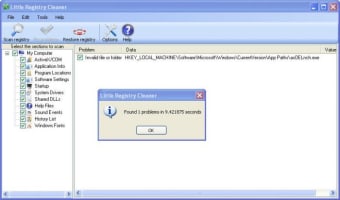
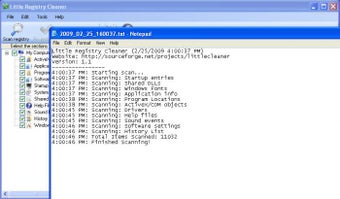
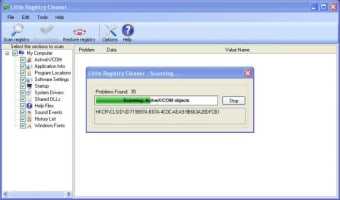
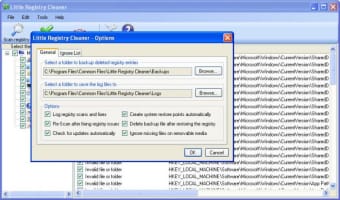
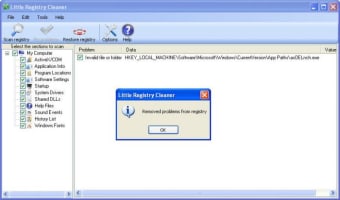
Installation is easy, and it scans your system quickly. When we tested it, it dealt with all the problem files it found except one, although other programs tested had the same problem.Little Registry cleaner is good for people who aren't too techy, as it's easy to use, and everything you do is backed up, so there's no need to worry about deleting the wrong file.
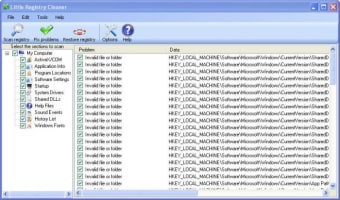
You can choose which sections of your computer Little Registry Cleaner will scan, although as is the case with most cleaners, there is little indication of whether you should scan on area and not another.The included help files are not very deep, so if you're not sure whether to delete certain files or not, there's no way to find out. Although Little Registry Cleaner is an efficient program, others like Ccleaner do the same job and more, but if you particularly want to clean Windows registry, this is a quick and simple way to do it.
Changes
Compatible with Windows 7 task bar Upgraded to Microsoft .NET Framework v4 Uninstall & Startup Manager are now seperate executables Implemented task scheduler to schedule registry scans Registry scans can be started by specifying "/scan" argument Integrated DeskMetrics into Little Registry Cleaner